
Your CS2 history.
Finally yours.
Every item sitting in your inventory, even in your Storage Units, it's all real data locked inside Steam with no way to analyse it. CSTRADEUP extension syncs your history in the background, so you can finally see your portfolio, your P&L, and your edge.
What the extension unlocks
The moment your data starts flowing, two personal analytics surfaces light up in your CSTRADEUP account. No configuration. No waiting. Just insight from your real history.
Inventory + Storage Units,
one unified portfolio
Items in your inventory and items locked inside Storage Units — finally in one place. Every skin is valued at real-time market price against your cost basis, so you see your true holdings, not just what’s on the surface.
- Inventory & Storage Unit items merged into a single view
- Portfolio value over time with interactive chart
- P&L, ROI, cost basis per item and in aggregate
- Top gainers, worst performers, allocation breakdown
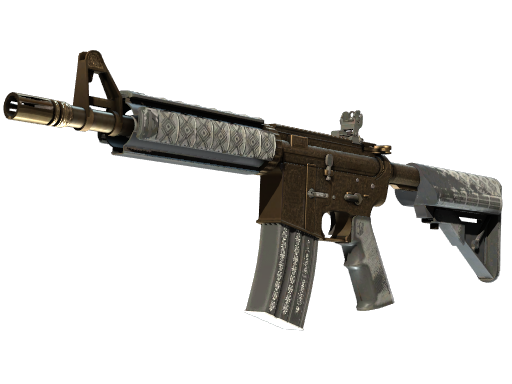
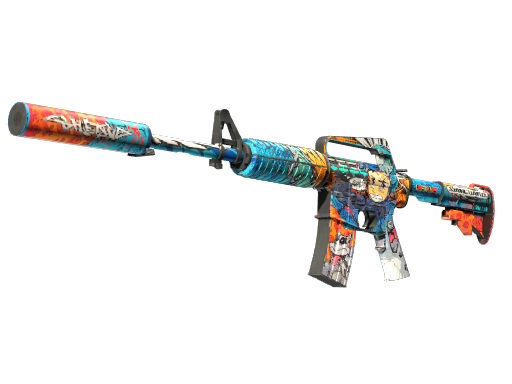

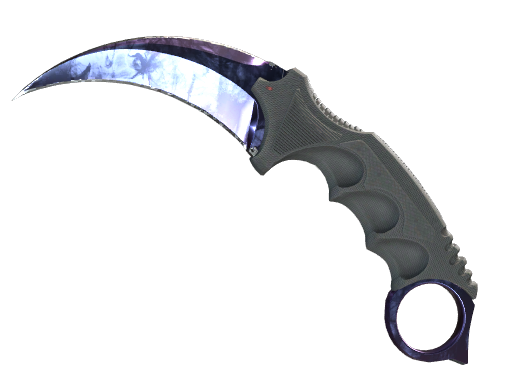

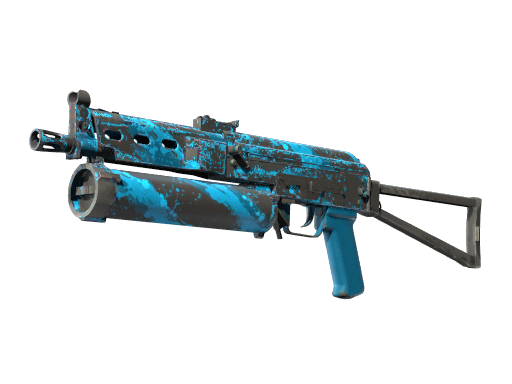
Every contract you ever
crafted, analysed
Stop wondering whether trade-ups are working for you. See every contract laid out — what you put in, what came out, and whether it was profit or loss.
- Cumulative P&L line chart with per-trade annotations
- GitHub-style activity heatmap by day and outcome
- Win rate, avg profit, best day, current streak
- Ticket Cashback: collect tickets for each trade-up
Up and running in three steps
Install from the Chrome Web Store, sign in, and let the extension do the rest.
Install the extension
One click from the Chrome Web Store. Works on Chrome, Edge, Brave, Opera — any Chromium browser.
Add to ChromeSign in with Steam
Log in to CSTRADEUP with your Steam account. This links the extension to your personal dashboard.
Sign in with SteamSync your history
Hit sync to crawl your full Steam history. The initial run takes about 5–10 min depending on account age — pause and resume anytime.
Still have questions?
Here are answers to common questions and concerns.
steamcommunity.com/id/*/inventory* pages — it is completely inactive everywhere else.
pnpm install && pnpm run build:webpack and load it as an unpacked extension. It's the same code published on the Chrome Web Store.
Your history is waiting.
Go get it.
Free. Open source. One click to install.